






What counts as an AI video editing agent?
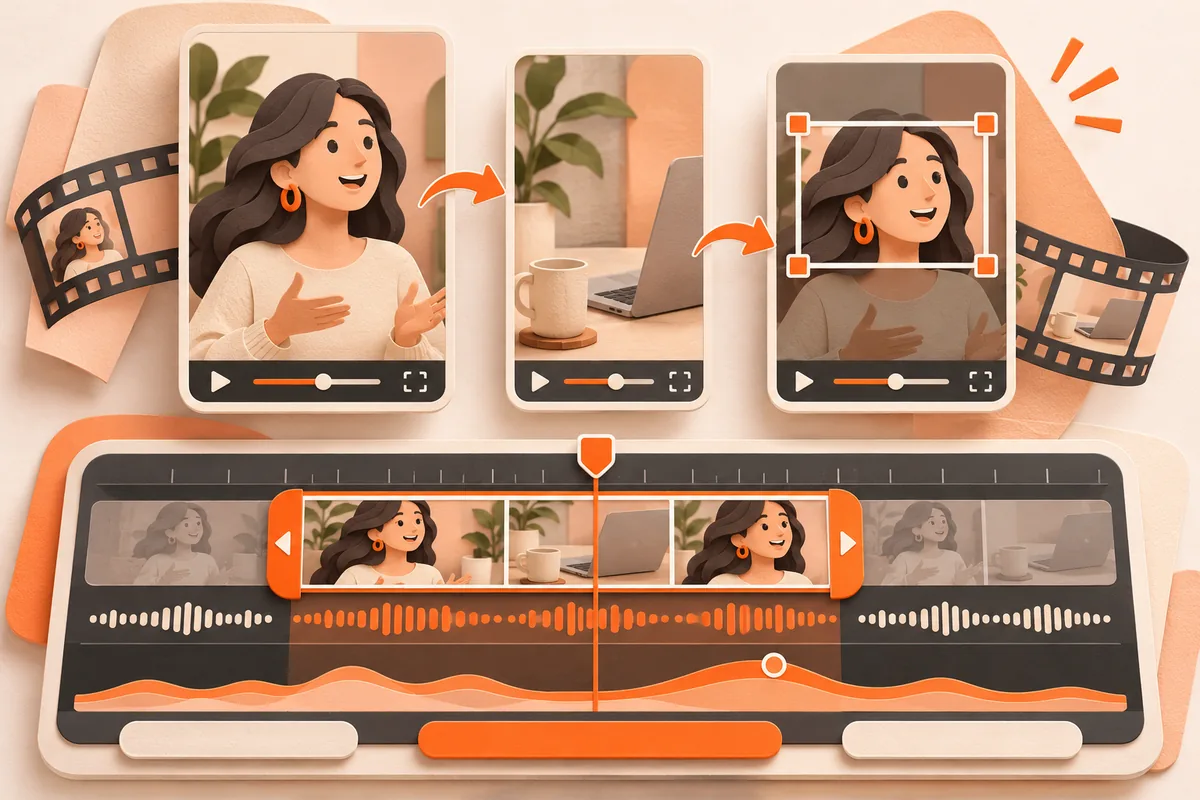
An editing agent should help transform existing media: cut, trim, structure, reframe, caption, search, index or review. A generator that creates a new clip from text is not an editor unless it also gives you a controllable editorial workflow.
The practical distinction is whether the output can enter the next stage of an edit. A cut plan, media index, ranked moment list or retention diagnosis can. A vague paragraph about being cinematic cannot.
The best video editing agents to try first
Start with the bottleneck in your current process. If you spend too long reviewing footage, use a media-understanding skill. If the hard part is choosing which clip to publish, use an opportunity-finding workflow. If the bottleneck is assembly, use an edit planner.
- Video Editing — plan cuts, overlays, subtitles and assembly across FFmpeg and Remotion.
- CutEZ — turn long video into short clips with a one-click starting point.
- VideoDB — ingest, search, index and generate clips from media sources.
- Clip Intelligence — identify short-form opportunities inside long-form content.
- MotionAce — shape pacing and visual rhythm for watch-through.
- HookAce — diagnose whether the first six seconds retain attention.
- Content Repurposer — rewrite the surrounding text for each platform.
Which editing agent fits your workflow?
Treat these as pipeline components. A long-to-short agent may identify the clip; an edit planner may organise it; a retention reviewer may test the result. Running all three on a single 15-second clip is unnecessary overhead.
| Agent | Primary input | Useful output | Main limitation |
|---|---|---|---|
| Video Editing | Raw clips or a media plan | Cut list and assembly guidance | Not a full timeline editor |
| CutEZ | Long-form video | Short-clip starting points | Check selection and captions |
| VideoDB | Files, URLs or streams | Searchable media index and clips | Requires a supported media/API setup |
| Clip Intelligence | Long-form source | Short-form opportunity list | Selection still needs editorial judgement |
| MotionAce | Short video or detailed brief | Pacing and retention-oriented plan | Not a guarantee of platform performance |
| HookAce | Finished video or script | Opening diagnosis and fixes | Forecast is guidance, not platform data |
The lowest-risk long-to-short workflow
Start with a source that already has clear chapters, strong claims or repeated audience questions. Identify five candidate moments, rank them by payoff and context, then make a vertical cut that can stand alone without the previous ten minutes.
Run the chosen clip through a retention review before adding heavy motion graphics. If the opening does not make sense muted, editing cannot rescue the narrative.
- Transcribe the source before selecting clips.
- Choose moments with a self-contained promise and payoff.
- Check whether the speaker’s face and captions survive a 9:16 crop.
- Review the first six seconds without sound.
- Publish one platform-native version before multiplying variants.
Quality control before publishing
AI-assisted edits fail in ordinary ways: captions drift, faces get cropped, music overwhelms speech, transitions hide the point and the generated cut does not match the source claim. A short manual pass catches most of these issues.
Keep the original media and project instructions until the final asset is approved. An agent’s output is a draft; your name is on the published version.
| Check | Pass condition |
|---|---|
| Story | The clip makes sense without the surrounding video |
| Framing | Face, product and captions survive the platform crop |
| Audio | Speech is intelligible and music does not mask the claim |
| Captions | Accurate, readable and not covering the subject |
| Claims | Every price, offer and product detail is still true |
| Rights | Footage, music and likeness are cleared for the placement |
When an AI editing agent is not enough
Use a traditional editor for frame-accurate compositing, complex audio mixing, multi-camera sync, regulated claims and projects where every frame needs approval. A browser agent can prepare the plan or first pass; it should not pretend to be the whole studio.
If your problem is script quality rather than footage, start with a script workflow. If your problem is the visual generation, compare video-generation agents instead of editing agents.